
Best Mac Antivirus – Top Tools for Complete macOS Protection
Macs are known for strong built-in security, but they are not immune to modern threats. As macOS grows in popularity,
cybercriminals increasingly target Mac users with adware bundles, phishing scams, browser hijackers, credential-stealing
spyware, and even ransomware. Apple’s native defenses like XProtect and Gatekeeper provide an important baseline, yet
they can’t cover every risk—especially social-engineering attacks, unsafe downloads, fake update pop-ups, or malware
hiding in third-party apps.
A premium Mac antivirus goes beyond basic scanning. The best tools provide real-time malware blocking, phishing defense,
secure browsing, exploit mitigation, privacy monitoring, and system-friendly performance. Below you’ll find a carefully
curated list of the most reliable antivirus options for macOS—tested for detection strength, usability, and low system
impact—so you stay safe without slowing down your MacBook or iMac.
Top Mac Antivirus Picks
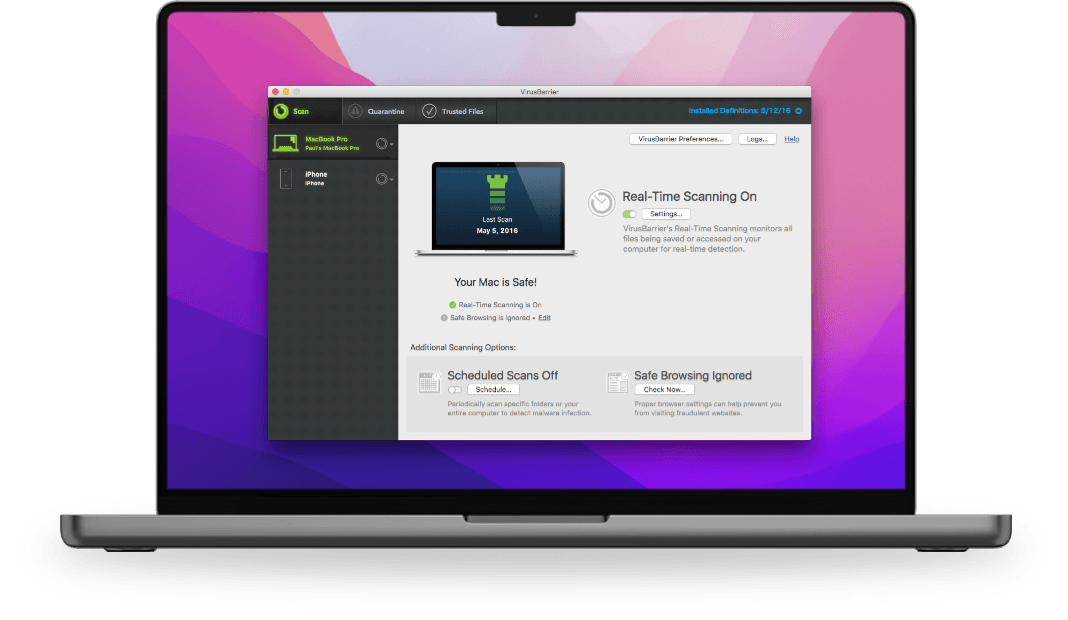
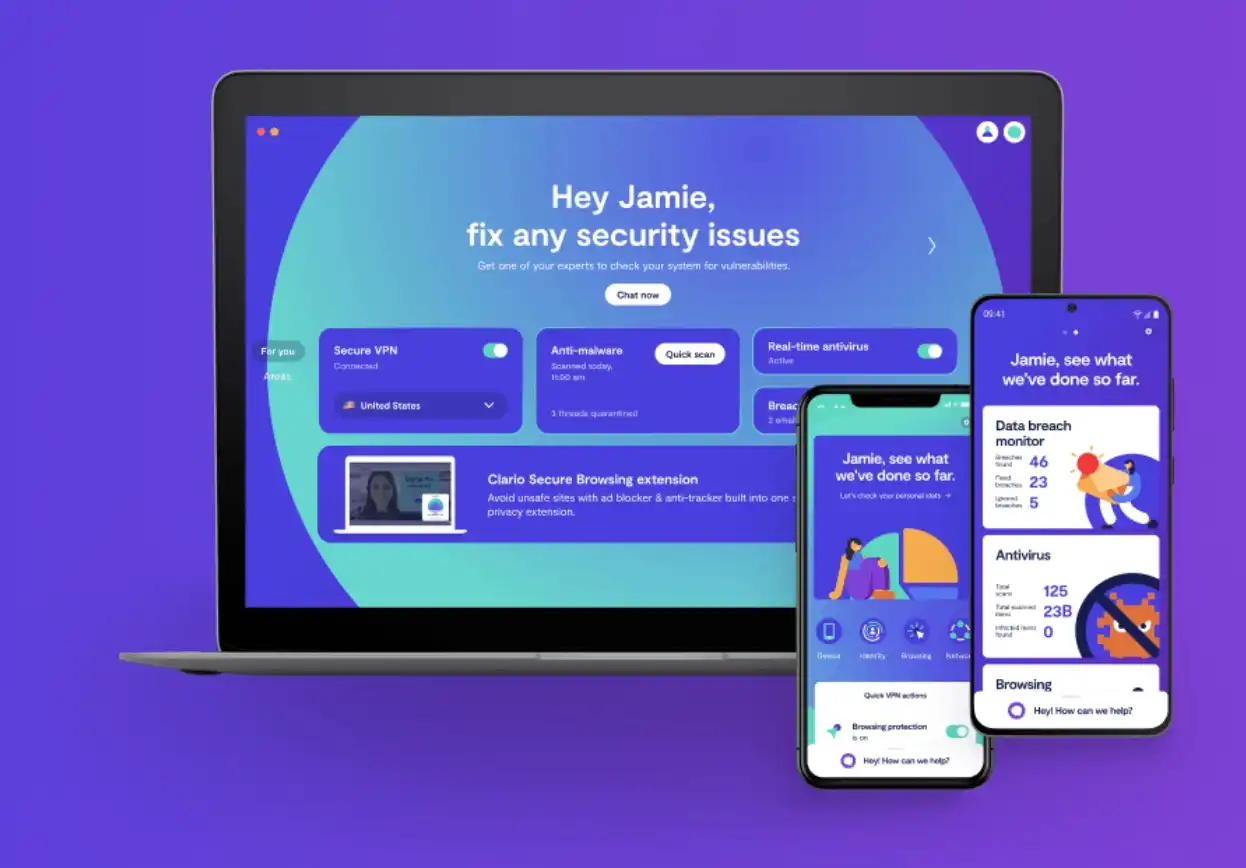
Your quick comparison hub — explore the strongest antivirus software for MacBooks and iMacs, built to stop adware, ransomware, phishing, and stealth malware.





How to Choose the Best Antivirus for Mac
macOS includes strong native security, yet the threat landscape for Macs has changed dramatically. Today’s attacks are less about “traditional viruses” and more about stealth malware, adware bundles, credential theft, phishing, and browser-based hijacks. Mac users are also prime targets for social engineering—fake “system alert” pop-ups, cloned Apple login pages, and scam downloads that look professional but hide malicious payloads.
Are Macs really safe without antivirus?
Apple ships macOS with robust protection layers such as XProtect (signature-based malware blocking), Gatekeeper (prevents untrusted apps), Sandboxing, and System Integrity Protection. These defenses catch many known threats automatically, but no security system is perfect—especially against new malware families, phishing campaigns, or situations where a user unknowingly grants elevated permissions. This is why many security experts recommend third-party protection for users who browse widely, install apps outside the App Store, manage sensitive data, or share a Mac with multiple family members.
The most common risks Mac users face today include:
- Adware & browser hijackers: unwanted apps that flood your Safari/Chrome with ads or redirect searches.
- Spyware & keyloggers: steals passwords, banking logins, and private files quietly in the background.
- Trojans disguised as Mac apps: fake utilities, cracked software, or “drivers” that install hidden backdoors.
- Phishing attacks: Apple ID clones, fake iCloud pages, and scam emails designed to capture credentials.
- Ransomware (rare but rising): encrypts files and demands payment, often delivered through fake installers.
- USB-borne malware: infections spread from compromised external drives or shared workplace devices.
How modern Mac antivirus actually works
Premium antivirus for macOS uses multi-layer detection, not just signatures. Leading tools combine:
- Behavior monitoring: catches suspicious actions even if the file is new or unknown.
- Cloud threat intelligence: checks files against global malware databases in real time.
- Web protection: blocks malicious sites, phishing pages, and scam launchers before they load.
- Exploit mitigation: defends Safari/Chrome and common apps from drive-by attacks.
- Ransomware shields: detects encryption attempts and protects key folders.
Independent lab tests matter on Mac too
Organizations such as AV-TEST and AV-Comparatives run real-world macOS malware simulations. Their reports show which antivirus tools maintain top detection with low false positives and minimal performance impact. Over multiple years, suites like Intego, Bitdefender, Norton, Malwarebytes, and Trend Micro consistently rank among the strongest for Mac protection.
Free vs paid Mac antivirus
A free antivirus can be useful for light browsing and basic scanning, but it usually lacks the layers that matter most on macOS:
- Dedicated anti-phishing and fake login protection
- Ransomware rollback or folder shielding
- Real-time web filtering for Safari/Chrome
- Identity monitoring and dark-web alerts
- Secure VPN for public Wi-Fi usage
- Priority support during a real incident
If you use your Mac for banking, store work documents, run a small business, or manage private photos and passwords, a premium suite is a strong long-term investment.
Will antivirus slow down a MacBook?
On older Macs, heavy security tools used to cause fan spikes and battery drain. Modern top-tier suites are optimized for macOS efficiency. Bitdefender, Intego, Norton, and Malwarebytes are especially known for low CPU usage. Many also include “silent mode” or “gaming mode” to pause scans during high-performance tasks such as video editing or gaming.
Features that matter most for Mac users
For everyday macOS security, prioritize these:
- Real-time malware scanning with quarantine and auto-removal.
- Anti-phishing web shield for Safari, Chrome, and email.
- Low performance impact so your Mac stays fast.
- Ransomware protection for Documents, Photos, Desktop, and iCloud folders.
- Privacy monitoring for hidden trackers, cookies, and unsafe permissions.
Simple habits that multiply your Mac security
Antivirus is strongest when combined with smart user habits:
- Keep macOS and your browsers updated.
- Install apps only from trusted sources (prefer App Store or official sites).
- Avoid cracked software or random “Mac cleaner” downloads.
- Turn on FileVault and use strong passwords.
- Use a password manager and enable 2-factor authentication.
- Back up important files using Time Machine or cloud backups.
Frequently Asked Questions
Do I really need an antivirus for Mac?
macOS has strong built-in security, but modern threats like phishing, adware bundles, browser hijackers, and credential theft still affect Mac users. A premium antivirus adds layers that block these risks in real time.
Is Apple’s built-in protection enough?
XProtect and Gatekeeper stop many known threats, but they don’t fully protect against new malware families, social-engineering attacks, or unsafe downloads. Third-party antivirus is recommended if you browse widely, install many apps, or handle sensitive data.
Will antivirus slow down my MacBook?
Top Mac antivirus tools are optimized for low CPU use and minimal battery impact. Suites like Intego, Bitdefender, Norton, and Malwarebytes are known for strong protection without noticeable slowdown.
Which Mac antivirus is best for adware removal?
Malwarebytes, Intego, and Bitdefender are excellent for removing adware, browser hijackers, and PUPs while preventing reinfection.
Is free Mac antivirus safe to use?
Free solutions can handle basic scanning, but they usually lack advanced anti-phishing, ransomware protection, and web shields. Premium suites are safer for users with private data or work documents.
Can Mac antivirus protect me while browsing?
Yes. Modern tools include malicious URL blocking, scam-site detection, phishing defense, and script-attack protection for Safari, Chrome, and other browsers.
What is the best antivirus for families using multiple Apple devices?
Norton 360 Deluxe and McAfee Total Protection are strong multi-device suites with macOS support plus extras like VPN and identity features.
How often should I scan my Mac?
Real-time protection handles most threats automatically. Still, running a full scan once every 1–2 weeks and quick scans regularly is ideal for maximum safety.