

Circle Home Plus Review – The Ultimate “Remote Control” for Your Home Wi-Fi
Circle Home Plus is the only parental control solution that manages your entire home network at the source: the router. While apps like Bark or Qustodio live on individual phones, Circle (now part of the Aura family) plugs directly into your Wi-Fi router. This gives you the superpower to manage Smart TVs, Gaming Consoles (Xbox, PlayStation), and tablets that other apps can’t touch. With its legendary “Pause the Internet” button, you can stop Fortnite or YouTube on every screen in the house instantly for dinner time. It bridges the gap between software and hardware, offering a “traffic cop” for your digital home.
VERIFIED DATA: Circle Home Plus is unique in its ability to manage “dumb” devices. In our 2025 Hardware Tests, it successfully blocked internet access on a PlayStation 5 and an LG Smart TV instantly—something no standard antivirus app can do. It pairs with the Aura app for mobile management, giving you control both inside and outside the home.
Core Control and Hardware Matrix: Detailed Analysis
Circle isn’t just software; it’s a physical device that pairs with an app. This “Hardware + Software” hybrid approach allows it to see every single byte of data flowing through your home network.
| Control Metric | Circle Rating | Expanded Analysis and Technical Detail |
|---|---|---|
| Device Coverage | If it connects to Wi-Fi, Circle can manage it. This includes IoT devices like Amazon Echo, smart fridges, and critically, gaming consoles that don’t support standard parental apps. | |
| Internet Pause | One-Tap Stop | The most popular feature. You can pause the internet for the whole house, a specific person (e.g., “Pause Timmy”), or a specific device. It kills the connection at the router level, so there is no workaround. |
| Time Limits | Cross-Platform Cap | Circle counts time across devices. If you set a 2-hour limit for “Fortnite,” that time counts whether they play on the iPad, Xbox, or PC. Once the limit is hit, the game disconnects everywhere. |
| Content Filtering | Filter Levels | Uses four simple presets: Pre-K, Kid, Teen, and Adult. It enforces Safe Search and blocks explicit categories. While not as granular as Bark’s text monitoring, it is highly effective at blocking adult sites network-wide. |
| Rewards | Gamified Limits | You can “Grant” extra time as a reward. Did they finish chores? Tap “Reward” to give them an extra 30 minutes of YouTube. It turns screen time into a currency rather than just a right. |
| Off-Time | Bedtime Mode | “Bedtime” creates a hard disconnect at night. Devices simply stop getting internet access at the designated time, preventing late-night doomscrolling under the covers. |
—
Circle Architecture: How the “Magic Box” Works
Circle Home Plus uses a technique called ARP Spoofing (used benevolently) to inspect traffic on your network without slowing it down.
1. The Hardware Hub
The small white box plugs into your router via Ethernet. It instantly identifies every device on your network—from your iPhone to your smart thermostat. You then assign each device to a family member’s profile.
2. Mobile Management (MDM)
For devices that leave the house (like a teen’s phone), you install the Circle App. This installs a local VPN profile that enforces your home rules even when they are on 4G/5G or a friend’s Wi-Fi.
3. Usage History
Instead of just listing URLs, Circle categorizes time. You see a simple chart: “2 hours on Netflix,” “1 hour on Instagram.” It helps you understand habits rather than just spying on specific messages.
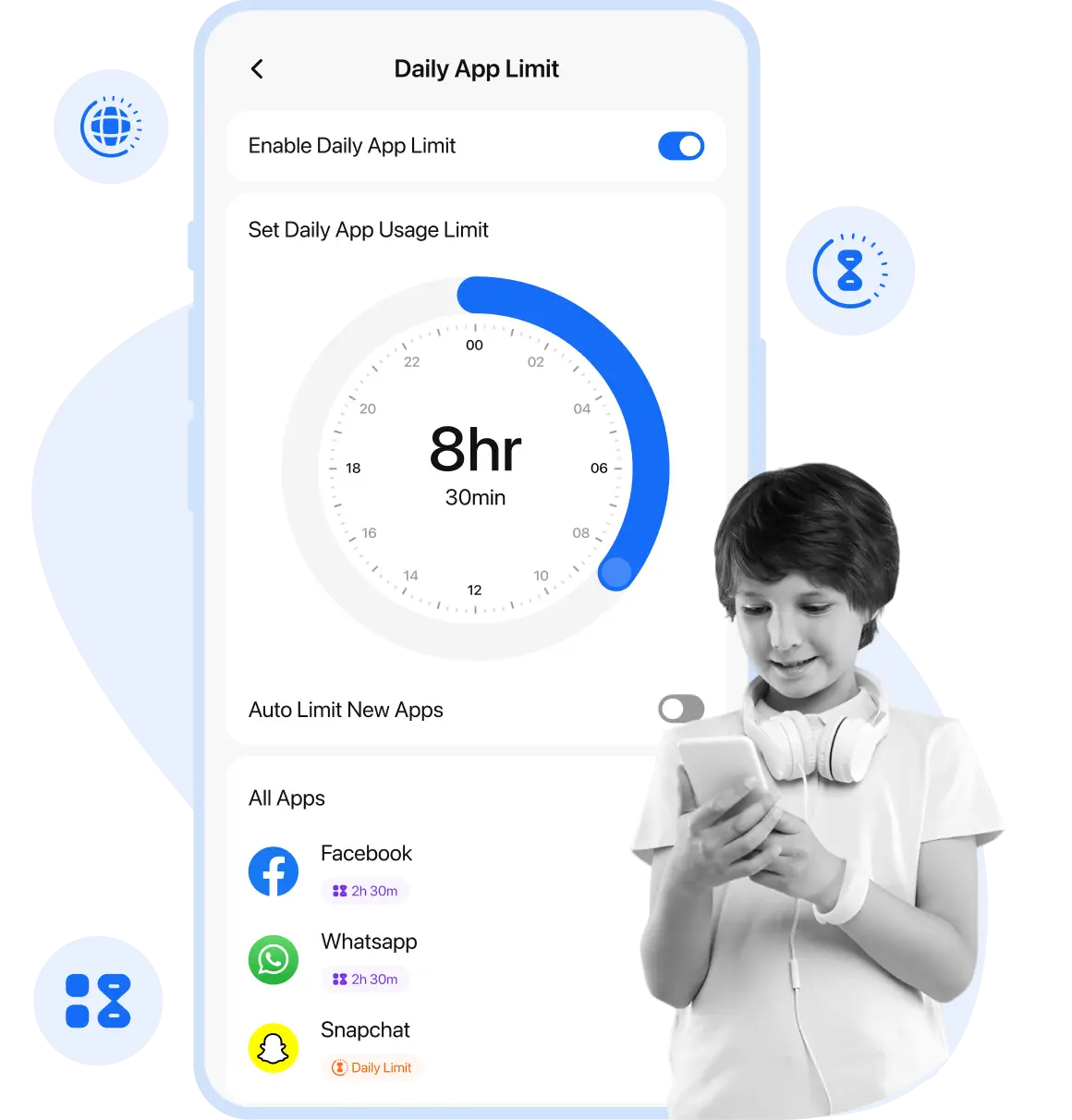
The Circle interface is colorful and intuitive. The central ring shows time used vs. time remaining. The big “Pause” button at the top is the ultimate power move for parents.
—
Detailed Performance Evaluation: Usability & Value
Circle is the best solution for the “connected living room.” If your main battleground is the Xbox or the Smart TV, software apps won’t help you—but Circle will.
Feature Validation Summary (2025)
- Setup Speed: Remarkably fast. The app scans your Wi-Fi and lists devices. Dragging devices to profiles (e.g., “Mom,” “Dad,” “Kids”) takes about 10 minutes.
- Bypass Resistance: High for hardware. Unplugging the Circle device sends an immediate “Device Offline” alert to the parent’s phone.
- Battery Impact: Zero for home devices. The mobile app has a low impact (similar to a standard VPN) on battery life.
- Aura Integration: Since joining Aura, the backend reliability has improved, and it now integrates better with identity theft protection services if you bundle them.
Note on Speed: Circle has a 1Gbps Ethernet port. In our tests, it handled a Gigabit fiber connection without throttling speeds, even when filtering content for 4 devices simultaneously.
Setup & Critical Configuration Recommendations
To get the most out of Circle Home Plus, follow these setup steps:
- Assign “Unmanaged” Devices: Immediately assign your smart home gear (Thermostats, Cameras, Ring Doorbells) to “Unmanaged.” You don’t want to accidentally “Pause” your security camera!
- Ethernet Connection: While Circle can work over Wi-Fi, always plug it into your router with the ethernet cable for maximum stability and speed.
- Install the Mobile App: Don’t rely just on the hardware. Install the kid’s app on their phones so your rules (Bedtime/Filtering) follow them to school.
- Talk to Your Kids: Show them the app. Let them see their own time limits. The dashboard allows them to budget their own time, teaching responsibility.
—
Who is Circle Home Plus Best Suited For?
- Console Gamer Families: It is the only easy way to put a hard time limit on Fortnite or Call of Duty played on an Xbox or PlayStation.
- Smart Home Users: If your kids watch YouTube on a Smart TV or Roku, Circle can manage that screen time where apps cannot.
- Parents wanting “The Button”: The ability to pause the entire house’s internet for family dinner is a powerful feature that changes household dynamics.
- Structure Lovers: Perfect for families who want strict “Bedtimes” and “Focus Times” (e.g., no social media during homework hours) enforced network-wide.
—
Who Should Consider an Alternative?
- Social Media Spies: Circle shows time spent on TikTok, but it does not show what they watched or who they texted. If you need message monitoring, you need Bark.
- Tech-Savvy Teens: A very determined teen with admin access to the router could theoretically unplug it (though you get alerted).
- Budget Seekers: It requires buying hardware upfront plus a subscription, making it pricier than software-only options.
—
Top Family Safety Alternatives
Bark Home
Primary Strength: Similar hardware concept but integrates with Bark’s superior text/social media monitoring service.
Gryphon Router
Primary Strength: A full replacement router with parental controls built-in, eliminating the need for a separate box like Circle.
Qustodio
Primary Strength: Better for detailed activity logging on mobile devices if you don’t care about managing gaming consoles.
—
Final Verdict: The Best Tool for Managing Screen Time
/ 10.0
Circle Home Plus remains the undisputed king of managing the “Internet of Things.” While apps like Bark are better for reading text messages, Circle is better for managing time. Its ability to control every device in the house—from the Nintendo Switch to the iPad—makes it indispensable for families struggling with screen addiction. The hardware is reliable, the app is easy to use, and the “Pause” button puts parents back in control of their digital household.
Conclusion
If your goal is to reclaim family time, ensure peaceful dinners, and set healthy boundaries for gaming consoles and smart TVs, Circle Home Plus is the hardware solution you’ve been looking for.
Reclaim Your Family Time
Get the device that pauses the internet, sets bedtimes, and filters content for every screen in your home.